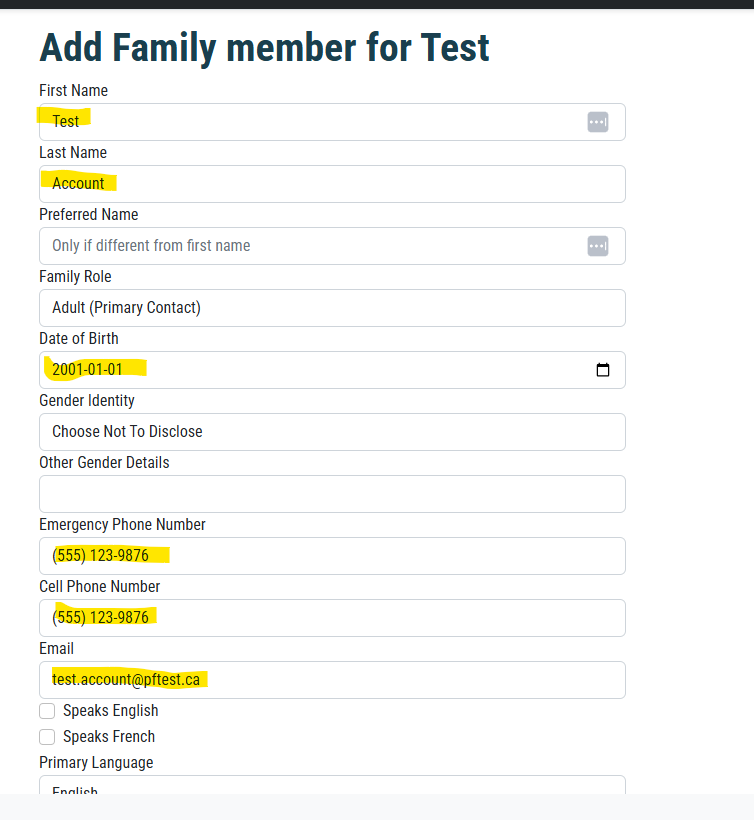
Several changes have been made here to streamline the process.
1. When an account is created now, we are prompting for a DOB. This allows us to link accounts to an exisitng family profile if the user is already a family member.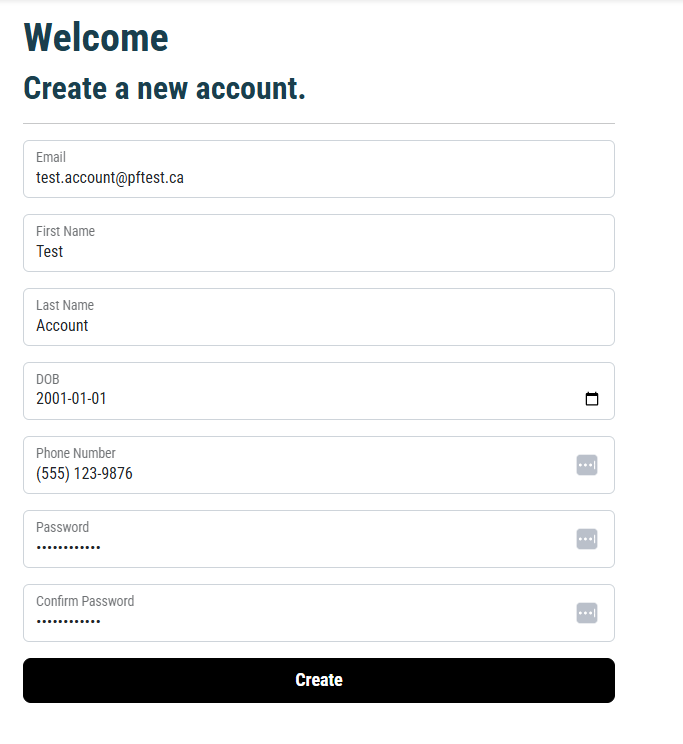
2. After the account is created, the system attempts to link to an existing family profile. If it can not link to an existing family, then the user is prompted to create a new family profile.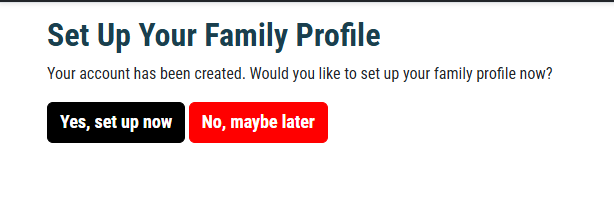
3. If the user click Yes, set up now, then they will go directly to the family address page and have the phone number auto filled with the phone number from the account.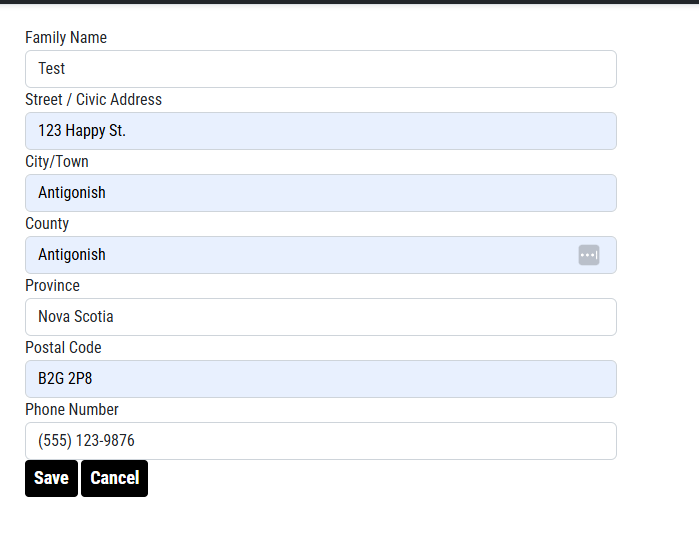
4. Once they click Save on the Family Address page they will go to the Add an Individual page where as much information that can be prefilled is done.